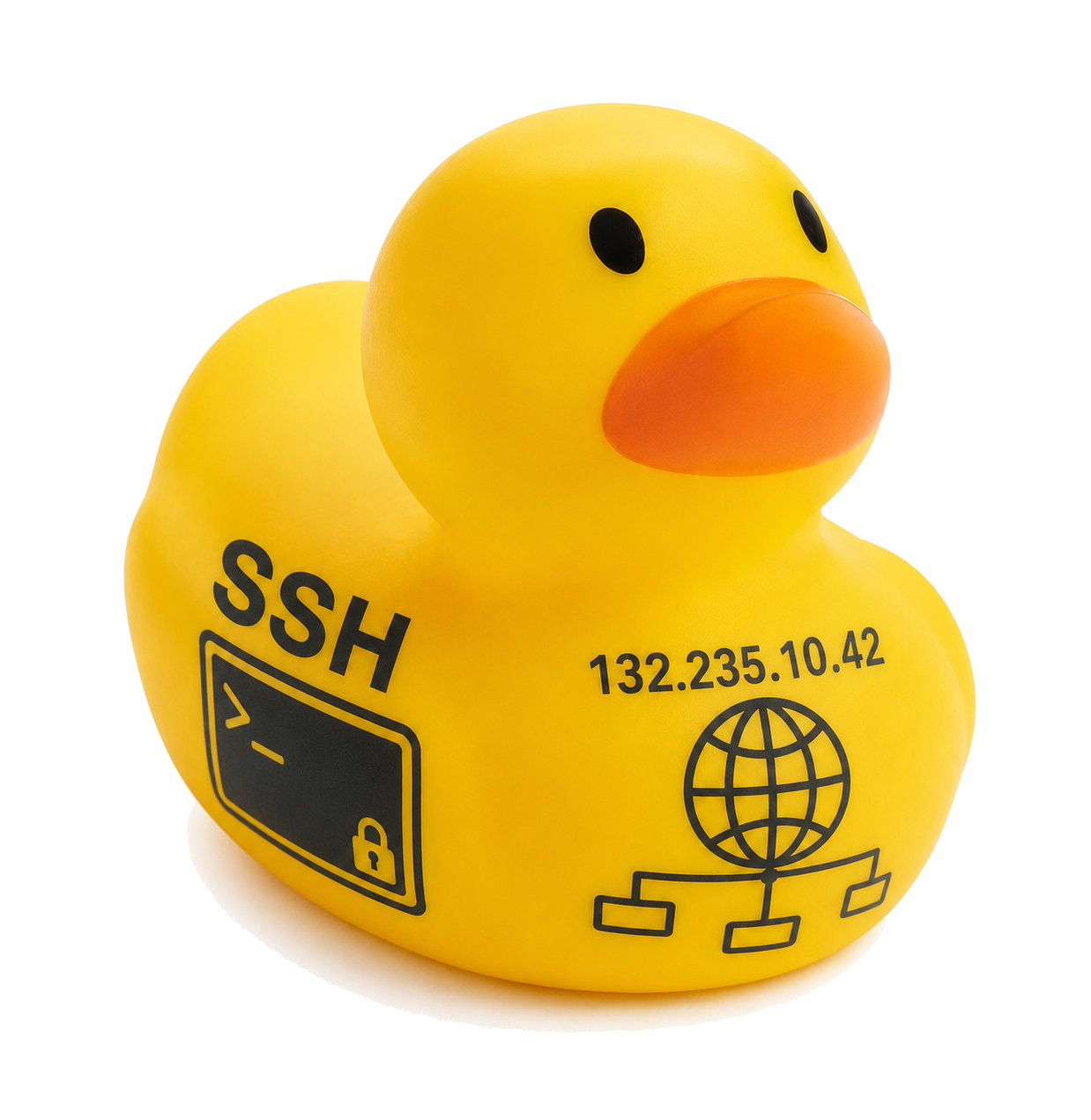
 Hostbound — hop the SSH web, find the golden
machine. Lower hops & fewer claims win.
v2 · network code
Hostbound — hop the SSH web, find the golden
machine. Lower hops & fewer claims win.
v2 · network code
Hostbound — hop the SSH web, find the golden
machine. Lower hops & fewer claims win.
v2 · network code
Hostbound — hop the SSH web, find the golden
machine. Lower hops & fewer claims win.
v2 · network code
claim
(or the Gold button) anytime to see it again.
Hostbound — an SSH / intro-networking exploration game.
ohio.edu/scripps-college/mcclure
© 2026 Douglas R. Bowie and Brandon A. Saunders. All rights reserved.
Enter the admin passphrase to unlock instructor tools.
Type a hostname or an IP. The terminal moves to that host (bypasses same-LAN / Firewalls / Cybersecurity gates).
Hostbound teaches the SSH perspective shift: once you
ssh into a machine, your commands run there,
and the network that machine sits on decides who you can
reach. Explore a hidden network to find the golden
machine. Fewer hops and fewer wrong claims = a better score.
First time? Open the hamburger and pick Tutorial for an
8-step guided run on a small fixed world.
You can ping, nmap, or
ssh a host only if it shares one of your current
host's directly-connected subnets. There is no routing. To go
further you must ssh onto a host that bridges into
the next subnet, then continue from there. In dual-stack
worlds (HB3) crossing an IPv4/IPv6 boundary works the same way:
find a host with a NIC in both families and hop through it.
ip a: your interfaces; the net
field on each line is the subnet that NIC is on.nmap -sn NET/PREFIX: ping-sweep one connected
subnet for live hosts (nmap -h for the form).
Scan each of your subnets separately.nmap -sV <host>: version-scan a single
host's open ports and service banners. Useful for confirming
gold without a blind claim.ping <address>: test one host.ssh [user@]<addr>: hop to a reachable
host. In IPv6 / dual-stack worlds a bare hostname also
resolves.ls / cat <file> /
nano <file>: each non-golden host's home
holds a recon .txt file with a clue (and, in
Cybersecurity Mode, a .intel file you can
sell).exit: back to the previous host.
where-am-i: host, NICs, trail.
describe (alias map): narrate the
discovered map as text (accessibility friendly).claim: declare the current host is the golden
machine. help: command list.Every non-golden host's recon file states its exact
hop-distance to the golden machine plus one true digit (v4)
or group (v6) of its address. Read files as you go and always
move to a host with a smaller hop-distance: that greedy
descent always reaches the goal. The golden host has no
recon file at all - an empty home (ls shows
nothing) is itself the tell - and an nmap -sV
against it reveals a unique signature service (port 1337 /
ducky-vault / GoldenVault) so you can confirm before claiming.
A weaker relative cue (Bearing: warmer/colder)
prints on ssh-arrival as a sanity check.
Subnets and hosts appear only as you discover them: your own
subnets via ip a, one host via ping,
a subnet's hosts via nmap -sn, a host via
ssh or nmap -sV. Each pastel square
is one subnet; a host straddling two squares is multi-homed (a
bridge). The ducky marks where you are.
+ / - zoom, 0 resets
and recenters.The scorebar above the terminal tracks Hops traversed (with the optimal hop count in parentheses as par), Claims, and Time. The clock starts on each new game and freezes on a winning claim. The win panel grades the run: Optimal run if hops are at par with no wrong claims, otherwise it reports the overage. Re-opening the win panel later replays that snapshot; it never re-scores.
Five toggles live under Network Options ▸ in the hamburger, in this order. A check mark appears next to any that are active. HHM, Firewalls, and Cybersecurity Mode also regenerate the world at the same seed body when toggled, and each has its own always-visible badge in the top bar - a hollow outline when off, filled when on - that can also be clicked directly to toggle it:
A three-state badge in the top bar (left of the Difficulty badge) reads HHM Off (hollow outline), HHM On (teal), or HHM Hard (indigo). Click the badge, or the Network Options menu item, to cycle through the three:
ip a, nmap, and
describe alone.One exception in every state: the win screen always shows the full map and trail, so you can review your route after claiming gold. HHM is render-only - it never changes the topology, distances, or recon files.
Some hosts drop ping or refuse ssh
even when same-LAN. A hollow FW badge in the top bar
fills in orange once enabled - click it any time to toggle. A
filtered host still shows up in nmap - that
contrast is the tell. Route via a different unfiltered peer
on the same LAN; the generator proves a parallel path always
exists before a Firewall world ships, so every world stays
solvable. Your own starting subnet always has one filtered
host, so the mechanic is never hidden away in a corner of the
map you might not visit - Normal and up also guarantee at
least two other clear hosts there alongside it, so there's a
real choice of unfiltered peers, not just the one path
forward. Toggling this regenerates the world (it is a
generator-gate, not a runtime overlay). The badge stays
hollow in a Sandbox (HB4-) world even if the
toggle is on, since Firewalls has no effect there.
When on, some hosts run a vulnerability and ssh-ing in
requires a matching tool in your inventory. A hollow
CS badge in the top bar fills in purple once enabled -
click it any time to toggle (also hollow in a Sandbox world,
same as Firewalls). nmap -sV on a vulnerable host
tags its 22/ssh line with a hint like (?priv-esc)
so you know which tool to bring. The four tool/vuln pairs are
priv-esc-kit / sudo-misconfig,
default-creds / default-password,
hash-cracker / weak-password, and
bof-exploit / unpatched-service.
Per-difficulty starting kit: Casual 0 (mode is a no-op),
Normal / Hard 1 tool, Brutal / Extreme 0 (forage early).
*.intel
file worth tens to hundreds of thousands of credits.
cat shows the value; selling happens in the
Darkweb panel.inv / creds: your tools and
credit balance.Somewhere in the network is a seeded broker host. With
Cybersecurity Mode on, every recon .txt file also
carries a clue to the broker (its hop-distance plus one address
fragment), so you can hunt it the same way you hunt the golden
machine. ssh onto it, then run dw enter
to unlock Darkweb access for the rest of the run. Once entered, a
purple Darkweb button appears in the footer and a
Darkweb item appears in the main menu; either opens a
full-screen panel with Shop, Inventory, and
Sell Intel sections. All buying and selling happens
inside the panel. From the terminal, dw list (or
plain dw) opens the same panel. Esc or the CLOSE
button exits.
Under Challenges ▸ in the hamburger:
HB4- code. Difficulty does not apply to
sandbox worlds; the dialed parameters are the world.Reports ▸ (hamburger) has four items:
.txt.
The instructor answer key is hidden unless Admin is
unlocked.On a successful claim the panel shows your
stats, an encrypted note about the next difficulty
level, and a draggable card you can dismiss with the
×, the Keep exploring button, a backdrop click,
or Esc. The map and trail re-appear so you can review the
route. Decode the note by hand; sandbox worlds have no
note.
The code in the footer (for example
HB1-XXXXXXXXX for IPv4, HB2- IPv6,
HB3- dual-stack) fully reproduces a world.
Topology, difficulty, HHM, Firewalls, and the Cybersecurity
bit are all packed in, so sharing just the code is enough.
The Copy and New buttons next to the code box
are quick shortcuts. HB4- codes are custom
sandbox worlds. Only Theme and High-Visibility persist; game
state resets on every reload.
An HBO- code is different from every other code:
it pins the options (Difficulty, IP Mode, HHM, Firewalls,
Cybersecurity) but deliberately leaves the topology
random. Get one from Network Options ▸ Copy Options
Code - it copies a short link (for example
...index.html#HBO-2H1) reflecting whatever
settings are currently active. Share that one link with a
class: every student who opens it gets their own randomly
generated network, but everyone plays under identical
settings. Pasting an HBO- code into Load a
network code or the footer code box works the same way -
it mints a fresh map on the spot rather than loading a fixed
one. Once minted, the resulting HB1- /
HB2- / HB3- code takes over as usual,
so that student's own reloads keep their own map; re-opening
the original HBO- link (or handing it to someone
else) rolls a brand new one.
Dial the topology, then play or copy a link. The settings are encoded in the code so the same code rebuilds the same world. Loops need a chain of 3+ (raise hops or left arm).